
The Ultimate Guide to Managing Multiple Jobs in One Day
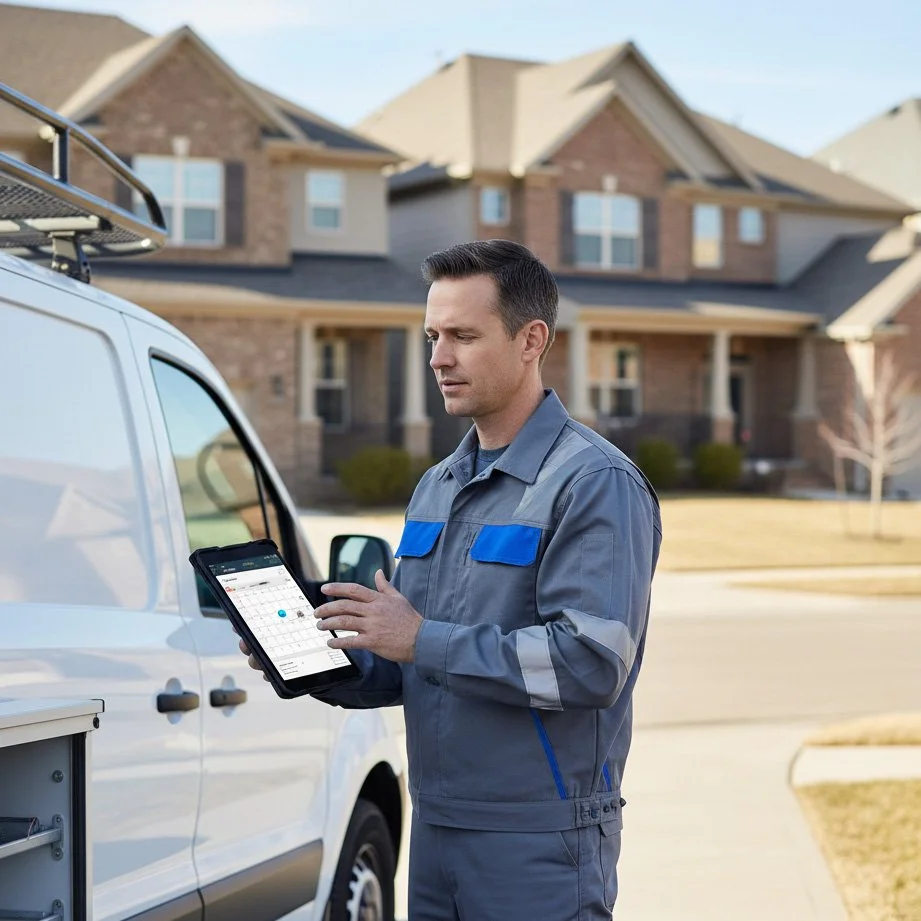
Running a field service business often means juggling multiple jobs in one day: sometimes in different locations, with different clients, and under tight deadlines. Staying organized is essential to maintain professionalism, prevent burnout, and deliver quality service every time.
This guide breaks down proven strategies and digital tools that make managing multiple daily jobs easier, faster, and more profitable.
1. Start with Smart Scheduling
Before the workday begins, your schedule should already be optimized for efficiency. Group nearby jobs together to reduce drive time, and prioritize tasks based on urgency, location, and skill requirements.
Using a digital scheduling tool like the one built into ServiceDash lets you:
View your daily schedule at a glance in list view
See your daily schedule in map view
When your day starts with an organized calendar, everything else falls into place.
2. Prepare Job Details in Advance
Each technician should have complete job information before heading out: client name, address, service type, equipment needed, and any notes from previous visits.
Digitally storing these details in your field service app ensures that:
Technicians spend less time calling the office for updates
Everyone knows what tools and materials are required
Customer expectations are met without surprises
With ServiceDash, all this information is right in the job’s detail page, no more paper folders or scattered texts.
3. Use Checklists to Stay Consistent
Even experienced technicians can miss steps when rushing between appointments. That’s where digital job checklists make a difference.
A simple checklist ensures:
Every task is completed in the right order
Nothing gets skipped, even on busy days
Consistency across all technicians
4. Keep Communication Flowing
Managing multiple jobs means staying connected with your team and clients throughout the day. Quick updates can prevent small issues from turning into major delays.
Use built-in team chat and shared business numbers so everyone can:
Coordinate routes or share job updates
Message clients from one unified number
Reduce confusion from personal texts or missed calls
When communication is centralized, your team works like a single, organized unit.
5. Track Progress and Adjust in Real Time
No matter how well you plan, field conditions change, clients cancel, traffic builds, or equipment fails. A flexible system lets you adapt on the go.
With real-time tracking, managers can:
Monitor which jobs are completed, in progress, or delayed
Reassign work based on technician availability
Keep customers informed with status updates
That level of visibility keeps your operation smooth, even on unpredictable days.
6. Wrap Up with Invoicing and Reports
End your day strong by closing out every job with clear, digital documentation. Generate and send invoices directly from the app, attach photos or notes, and track payments automatically.
You’ll also have accurate daily reports showing:
Total jobs completed
Revenue generated
Open bookings
This insight helps you spot trends, identify inefficiencies, and plan smarter for the next day.
Final Thoughts
Managing multiple jobs in one day doesn’t have to be chaotic. With the right planning, communication, and digital tools, you can turn a hectic schedule into a well-coordinated operation that keeps clients happy and your business profitable.
ServiceDash was built for exactly this, helping field service teams stay organized, efficient, and connected, no matter how many jobs are on the schedule.
Start simplifying your workday today.